
Play online chess in the Arena.
The Arena starts opponent search. Registered accounts can play rated games and invite other players.
What the Arena covers.
The online flow is documented by game routes, the matchmaking store and guest/account rules.
Search
The Arena starts opponent search.
Online arena
The arena starts an opponent search.
Online arena
Registered accounts can play rated games and invite players.
Dedicated multiplayer screens will be added when ready.
For now, this page shows useful cross-product screens: home, profile, chat and activity tracking.
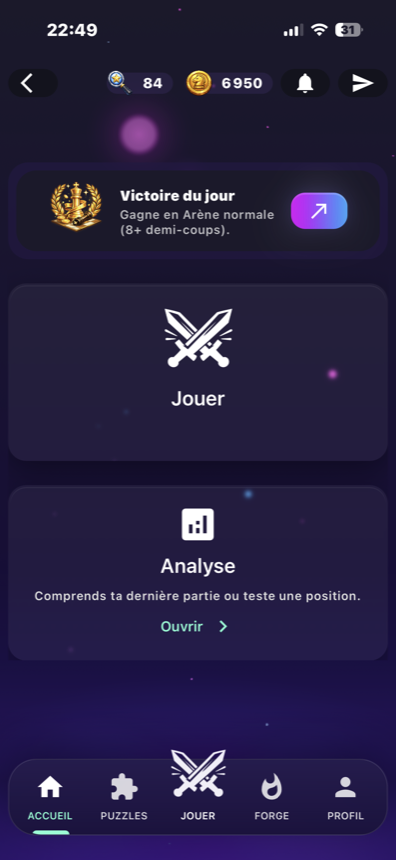
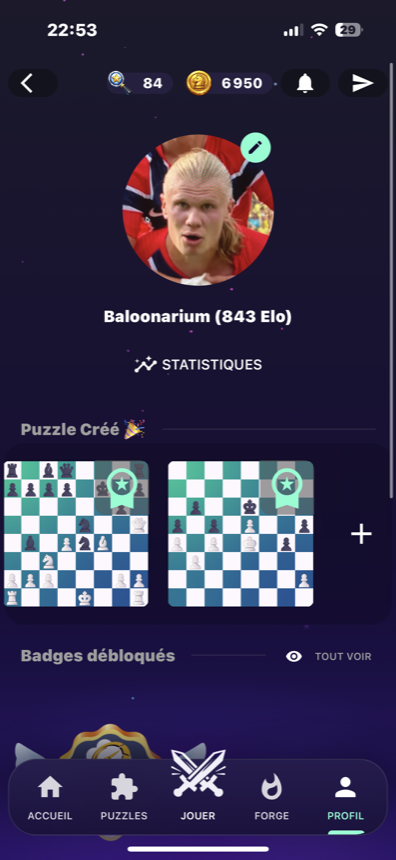
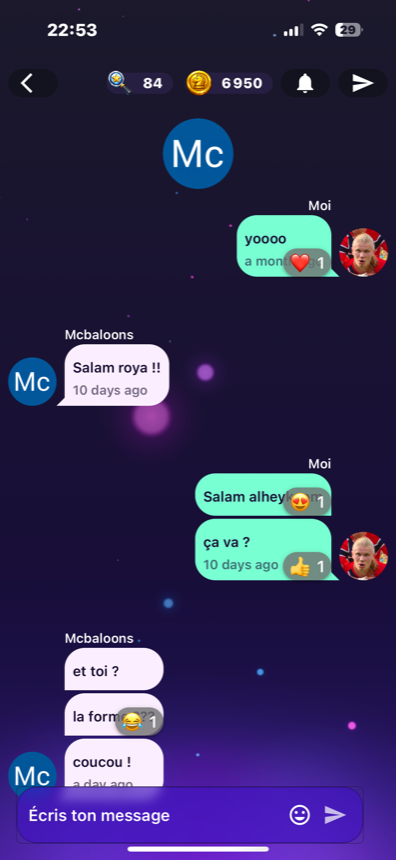
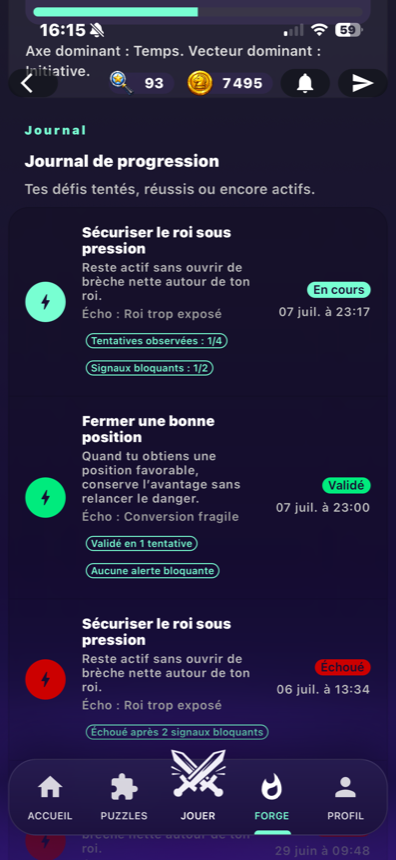
A fast entry point to play.
The page centers online play, then links to account, profile and history pages.
Game
Start a multiplayer game from the Play hub.
Profile
Connect play with identity and activity.
History
Return to games and linked challenges.
Online flow
Open Play
Enter the play hub.
Choose Arena
Start opponent search.
Play the game
Stay on the board and the position decisions.
Return
Review through history or analysis.
After an online game
Analyze
Review key moments.
Challenges
Follow challenges and the journal.
Profile
Find activity and style.
Specific questions
Can guest mode play online?
What does an account enable?
Explore related features
Start the Arena.
Open the app to play, then return to analysis, profile or history depending on your game.