
Challenges are tracked before, during and after a game.
BlitzForge separates player challenges, Forge Proofs, game histories and notification center events. That keeps invitations, progress and review paths readable.
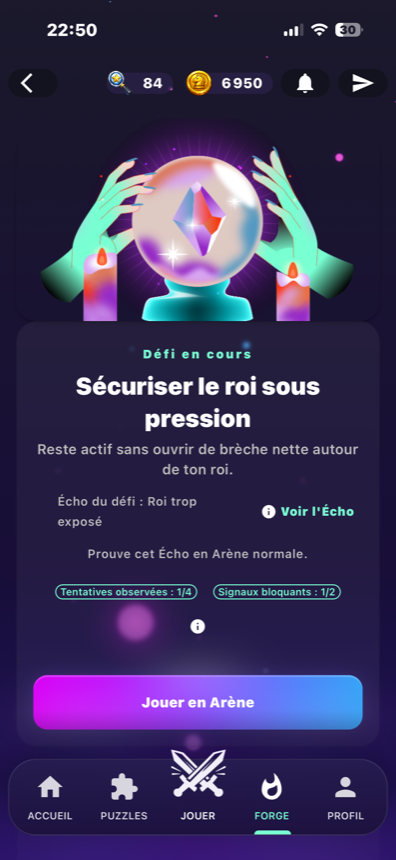
Active challenges and history.
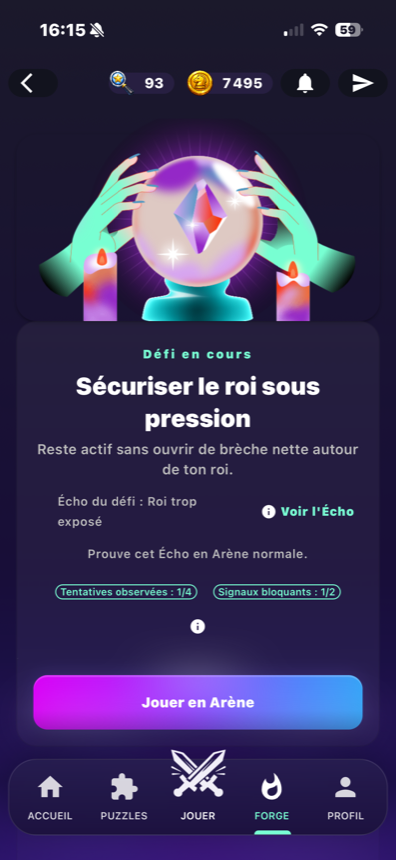
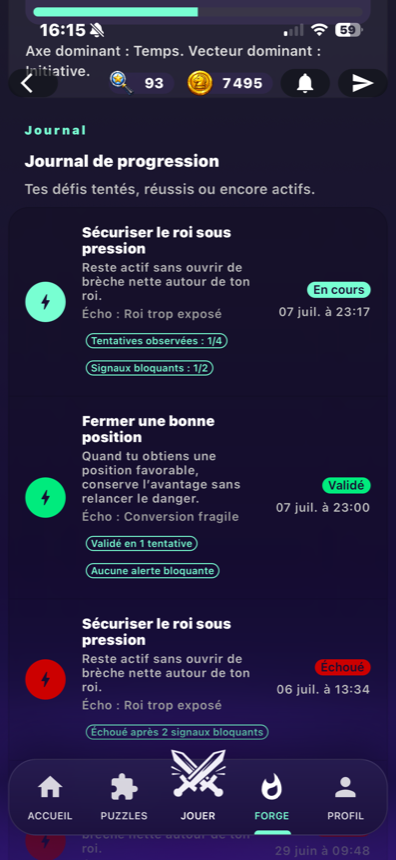
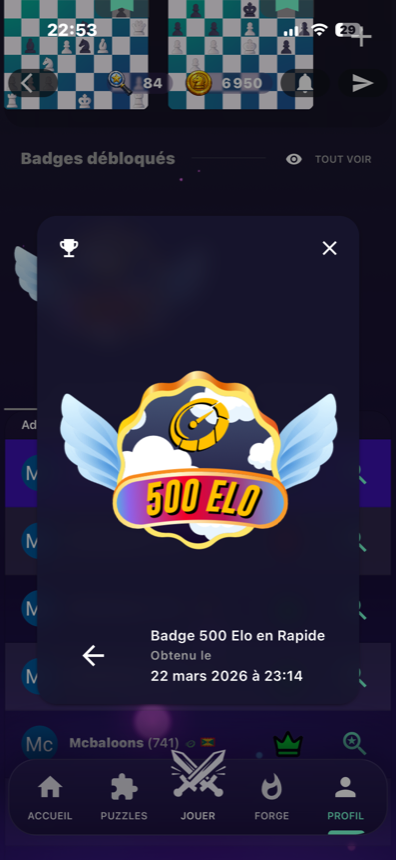
Screenshots show Forge challenges, journal and progression markers.
Two challenge systems, two user intents.
A player challenge is an invitation to play. A Forge Proof is an objective evaluated after games and followed in the Forge journal.
Player challenge
A registered player can send a game invitation when the target can receive that action.
OpenForge Proof
Proof attempts carry a status and are evaluated after game results, not as in-game hints.
Forge journal
The journal follows active, succeeded and failed challenge states with related activity.
Game histories
Computer and multiplayer histories give players a path back to played games and analysis access when available.
OpenHow the challenge path reads for a player.
Start or receive
A player challenge begins as an invitation; a Forge Proof begins as an objective to advance.
Play the game
The game is played normally. Proofs are not presented as live advice.
Store the result
The result feeds history, Proof status and Forge journal entries.
Review the next step
The player can return to history, analysis, profile or Forge to understand what happened.
Notifications center
The center groups chat messages, invitations and social requests in the app.
Chat limits
Registered accounts can write, react and create conversations. Guest chat can be read-only.
Profile link
Challenges and histories connect back to the player profile when account data exists.
OpenHistory, notifications and chat stay in their lanes.
BlitzForge connects activity without pretending every social feature is public or available to guests.
What is deliberately not promised.
No native push promise
The verified system is an in-app notification center.
No auto-accept
Invitations can be accepted or refused; the page does not promise automatic acceptance.
No live Proof hints
Forge Proofs are evaluated after games.
Forge challenges, journal and progression screens.
Active challenges and history.
Screenshots show Forge challenges, journal and progression markers.
Challenge and history questions
What is a player challenge?
What is a Forge Proof?
Do Proofs give hints during a game?
What does history save?
Use history to turn a result into the next action.
Open BlitzForge to play a challenge, follow Forge Proof progress and return to history or analysis after the game.