
BlitzForge features.
Product pages follow verified app modes: Arena, guest, campaign, coach, computer, analysis, puzzles, quests, rewards, Premium, Profile, Style and Echo.
Pages aligned with product audits.
Each dedicated page maps to a mode with at least partial confidence in the matrix.
Online arena
The arena starts an opponent search.
Features connected to BlitzForge screens.
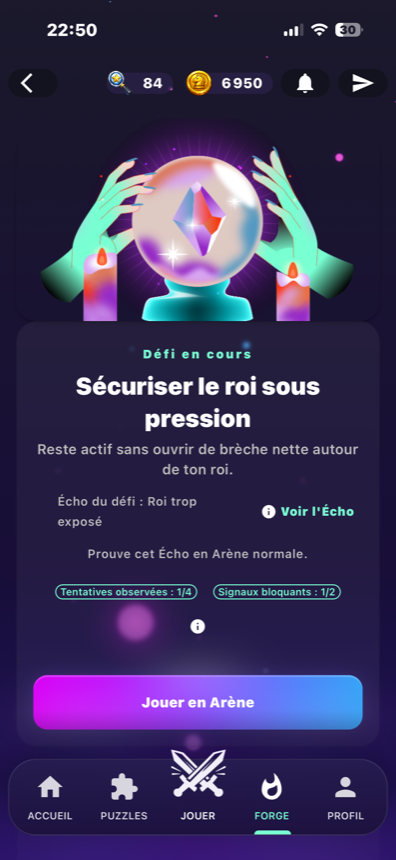
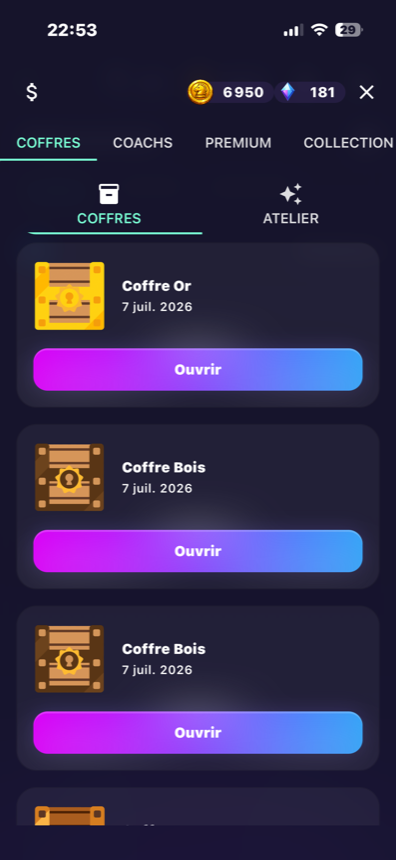
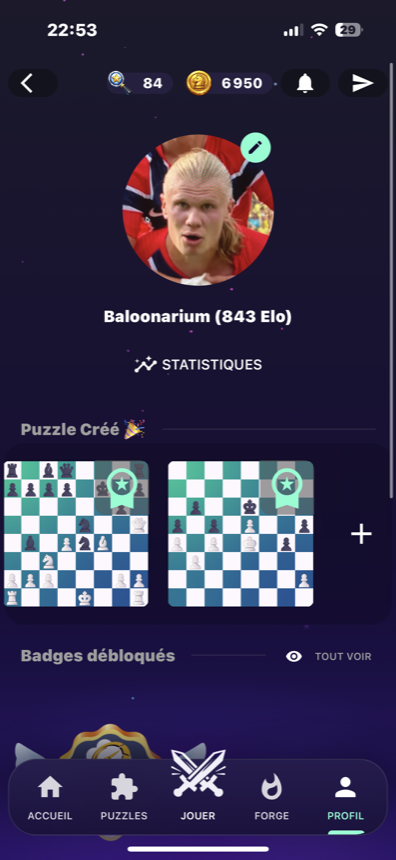
Screenshots show the main play, analysis, puzzle and progression areas.
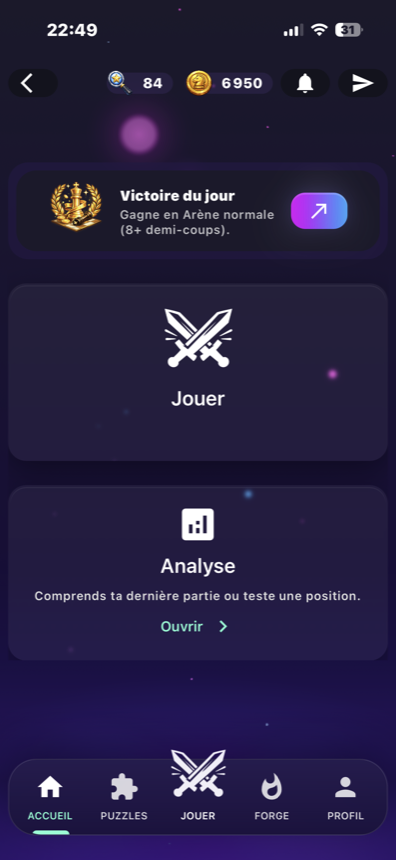
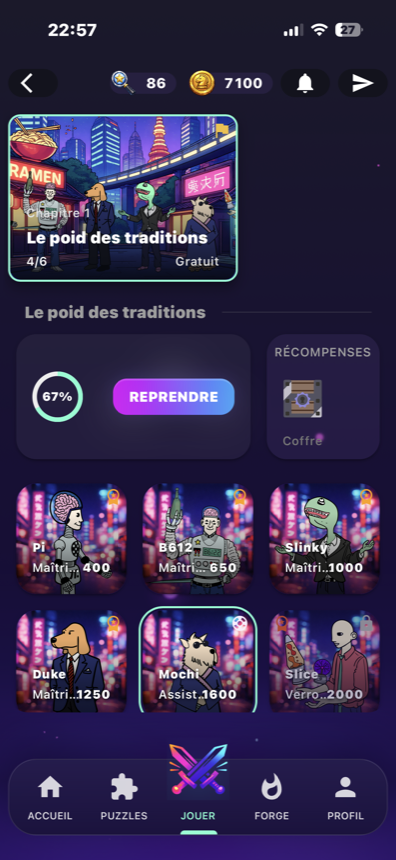
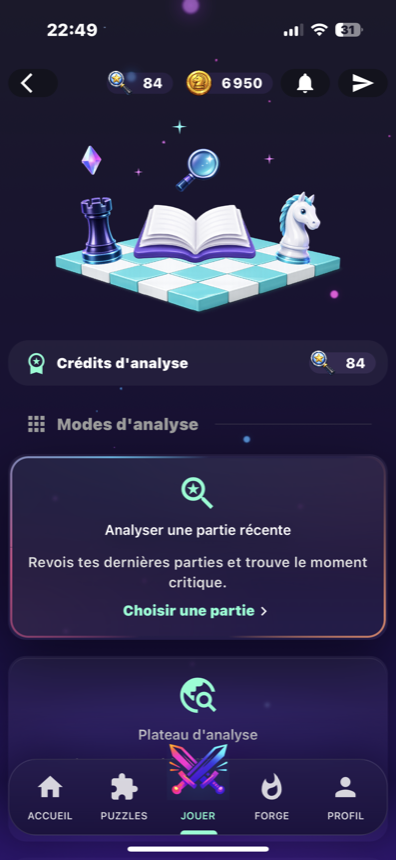
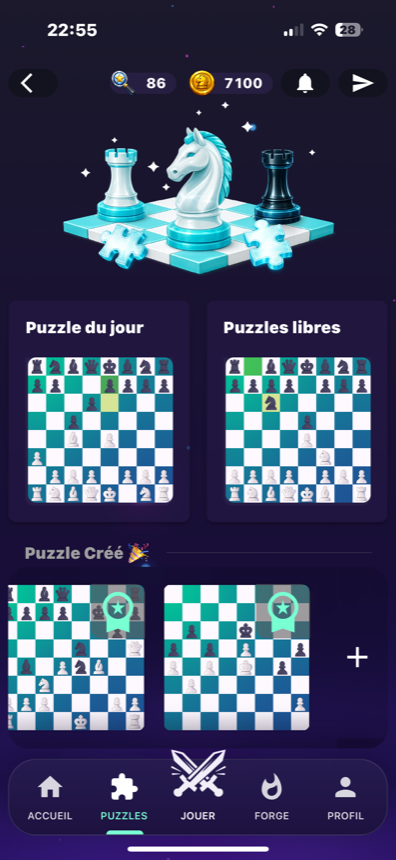
Navigation built from real uses.
Players can choose a clear intent: play, review, solve, follow objectives or understand Premium.
Play
Online, against the computer or in a campaign chapter.
Review
Game analysis, coaches and history stay connected to real play.
Track
Quests, rewards, Echo, Style and profile provide the return loop.
How to read the product pages
Choose a mode
Each page answers one product intent.
See screens
Screenshots are mapped by mode when available.
Open the app
CTAs point to the app or a related page.
Pages to open next
Campaign
Chapters, computer opponents, mastery and rewards.
Analysis
Move quality, errors, accuracy and best moves.
Rewards
Rewards, chests, coins, Essence and credits.
Specific questions
Why so many dedicated pages?
Do pages cover uncertain areas?
Explore related features
Start with the mode you care about.
Open the app or browse dedicated pages to understand each BlitzForge flow.